
Raxiores of Raxiore Download & Install Guide (Java 1.20.1)
Find the official Raxiores of Raxiore download, match Minecraft 1.20.1 and Forge, and avoid confusing the Java mod with its Bedrock port.
FAQ
Where is the official Java download?
Does the current Java mod require GeckoLib?
Can I install the Java file in Minecraft Bedrock?
Start with the right download
The current Java project is Raxiores Of Raxiore by The_Raxiores on CurseForge. Its listed game version is Minecraft 1.20.1, and its loader is Forge. This guide was checked against the ror-0.6 file record, uploaded October 31, 2026.
Do not choose a file solely because a search result says “Raxiores.” There is also a separate older Java project and an official Bedrock port with a slightly different title. Our Java versus Bedrock comparison explains which listing belongs to each edition.
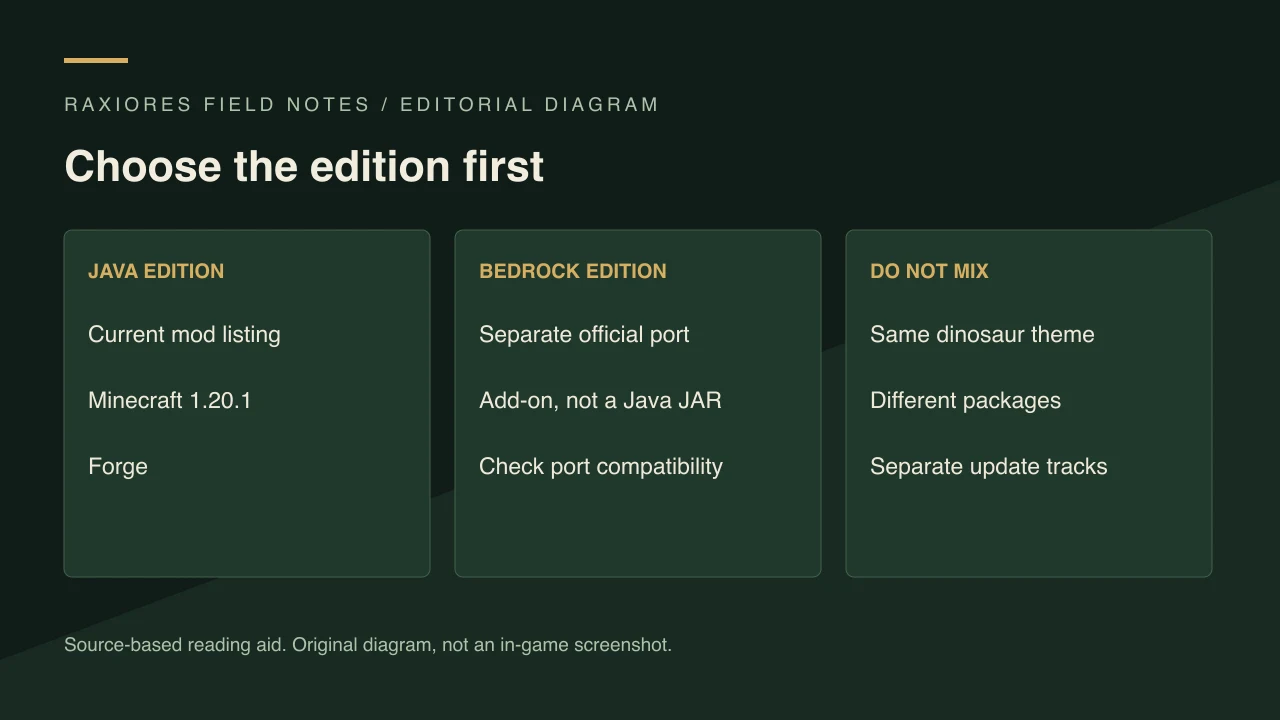
Original editorial diagram, not a game screenshot. Java and Bedrock require different packages.
Match Minecraft, Forge, and the file
Before installing, check these three fields together:
| Field | Current Java listing |
|---|---|
| Minecraft edition | Java Edition |
| Minecraft version | 1.20.1 |
| Mod loader | Forge |
| File checked for this guide | ror-0.6, CurseForge file 9380871 |
| Listed dependencies | None on the current project dependency page |
“No listed dependencies” refers to the mod’s dependency metadata; Forge is still the loader. It does not mean that the Java file runs in vanilla Minecraft, Fabric, or Bedrock. Check a newer file’s own metadata if the author publishes another release.
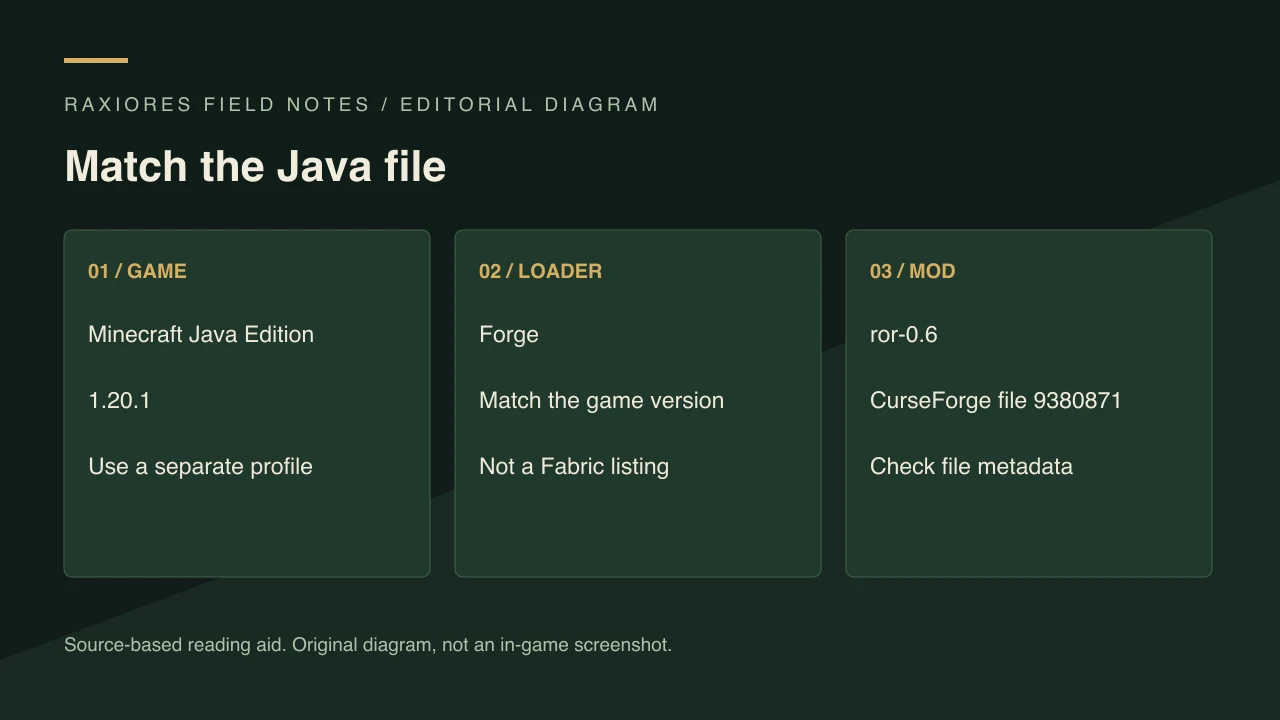
Match the game version, loader, and selected file rather than copying an older tutorial’s setup.
Install in a separate Java profile
The following is a standard Forge installation workflow, not a claim that we have tested this mod in-game:
- Back up any world you intend to use. Keep the backup outside the profile you are changing.
- Create a separate Minecraft 1.20.1 Forge profile in your launcher. In a mod manager, select this exact Minecraft version and loader when creating the profile.
- Download the selected file through the current CurseForge project. For a manual Forge setup, place its mod JAR in that profile’s
modsfolder; for a mod manager, install through the project listing. - Launch that Forge profile and check that the mod appears in the loaded-mod list.
- Start a disposable world first. Add other mods only after establishing this baseline.
If the launcher reports a missing component, read the exact error rather than installing libraries at random. An error about another installed mod is not evidence that this project has gained a dependency. Use the troubleshooting checklist to isolate the cause.
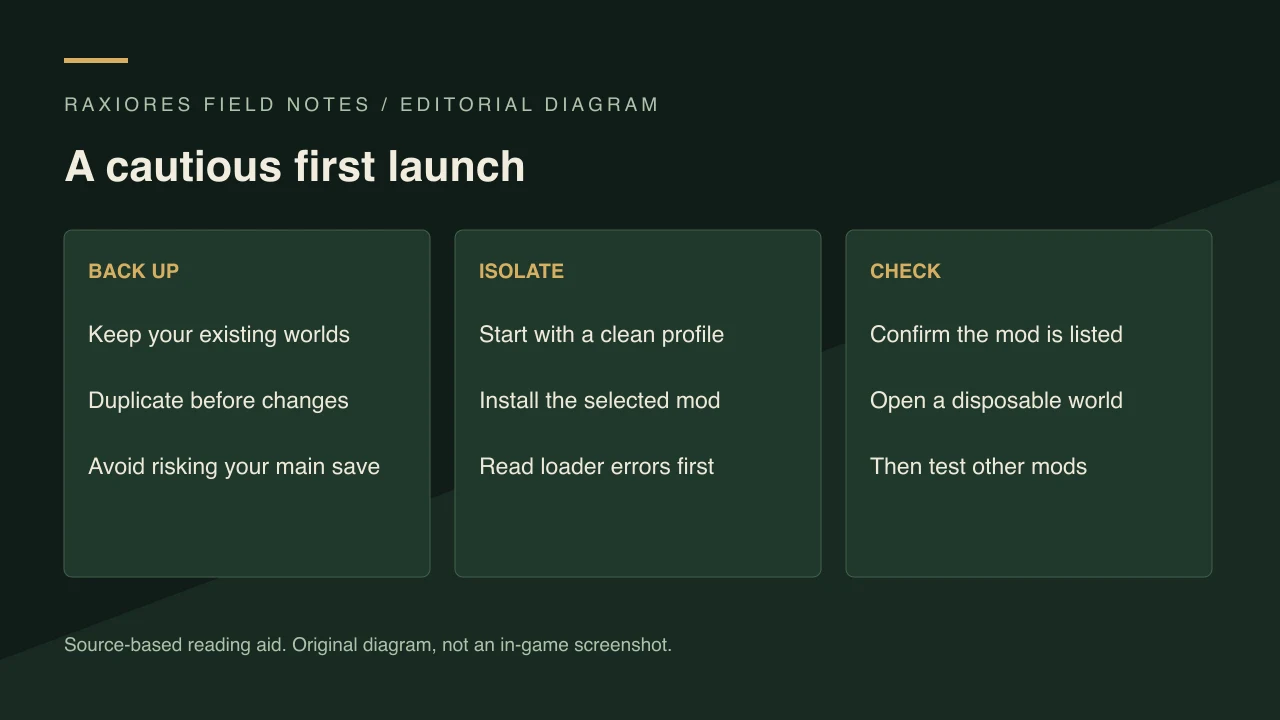
This is a general mod-installation safety workflow, not a verified gameplay sequence.
What to check after installation
Keep the exact filename with your profile notes. The 0.6 changelog summary distinguishes the author’s additions from assumptions about how they work. The source-checked dinosaur index is a starting point for identifying named creatures; it is not a spawn-location or taming guide.
Sources and verification scope
- Current Java project and downloads.
- ror-0.6 metadata and author changelog.
- Current project dependency listing.
Reviewed November 1, 2026. Compatibility statements come from published project metadata. We have not performed an in-game installation test, measured performance, or verified compatibility with individual modpacks.
Related Articles
guides
Raxiores of Raxiore Dinosaur List: Verified 0.6 Names
See the dinosaurs named in the current Java 0.6 changelog, including Triceratops, Alioramus, Amargasaurus, and Giganotosaurus, with source limits.
guides
Raxiores of Raxiore: Java vs Bedrock Download Guide
Compare the current Raxiores Java Forge mod, its separate Bedrock port, and the older project so you choose the right download and instructions.
guides
Raxiores of Raxiore Not Working? Java & Bedrock Checks
Check your Raxiores edition, Minecraft version, Forge profile, and exact file before troubleshooting crashes or reporting a reproducible problem.
Was this helpful?
Thanks for the feedback!