
Raxiores of Raxiore Not Working? Java & Bedrock Checks
Check your Raxiores edition, Minecraft version, Forge profile, and exact file before troubleshooting crashes or reporting a reproducible problem.
FAQ
Should I add GeckoLib if the current Java mod does not load?
Will this guide fix every crash?
What information should an issue report include?
Check the package before changing anything
The quickest useful question is not “which setting fixes it?” but “which Raxiores project and edition am I running?” The current Java project lists Minecraft 1.20.1 and Forge. The Bedrock port is a separate add-on. There is also an older Java project with a similar name.
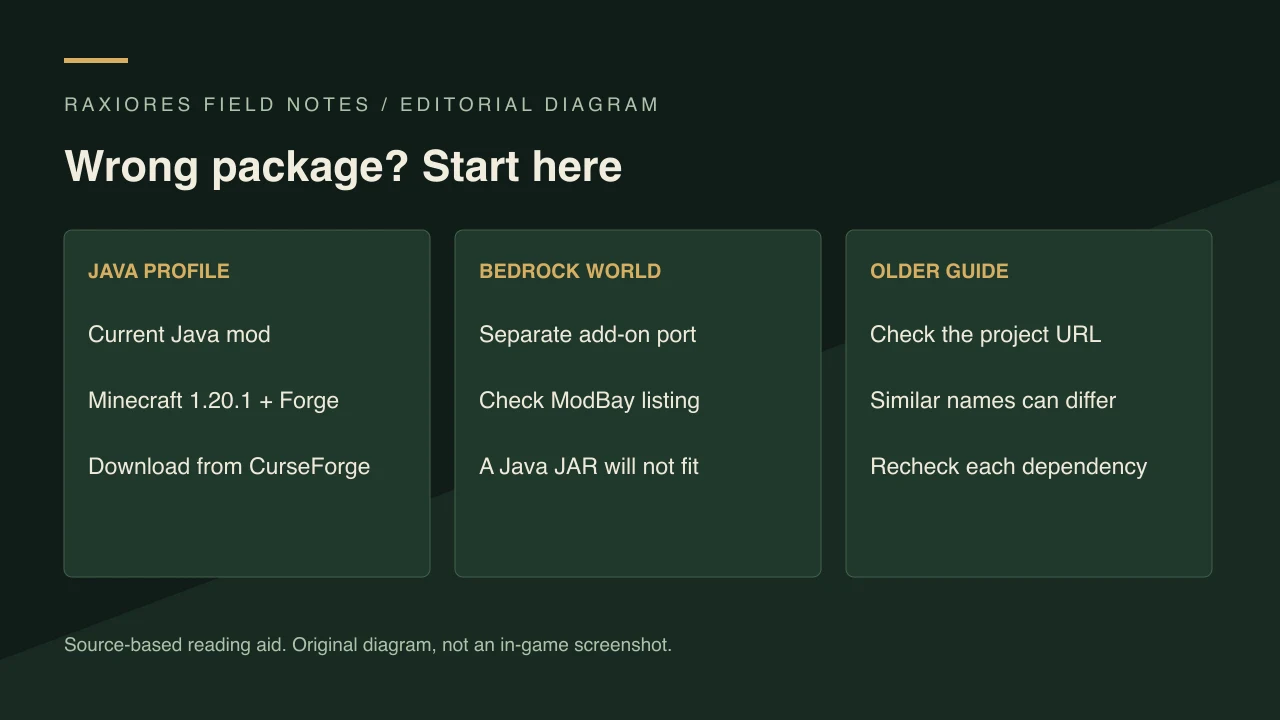
Original editorial diagram, not an observed error screen.
Use the Java versus Bedrock guide to confirm the right source. A Java JAR does not install as a Bedrock add-on, and a Forge file is not a Fabric file. Repeatedly reinstalling the wrong package will not resolve that mismatch.
If Java fails to load
This is a general Forge diagnosis sequence, not a confirmed workaround for a particular mod bug:
- Record your exact Minecraft version, Forge version, and mod filename.
- Confirm that the selected profile is the Forge 1.20.1 profile, not a vanilla or differently versioned profile.
- Check that the file came from the current project. The file checked for this site is ror-0.6, file 9380871.
- Read the first meaningful error in the launcher or log. Note the mod named in that error.
- If your profile has other mods, test a separate minimal profile rather than removing files from your only working setup.
The current project’s dependency page lists no dependencies. That is not a promise of compatibility with every other mod. It also does not mean that a library requested by a different installed mod can be ignored. The installation guide keeps the basic setup separate from these extra variables.
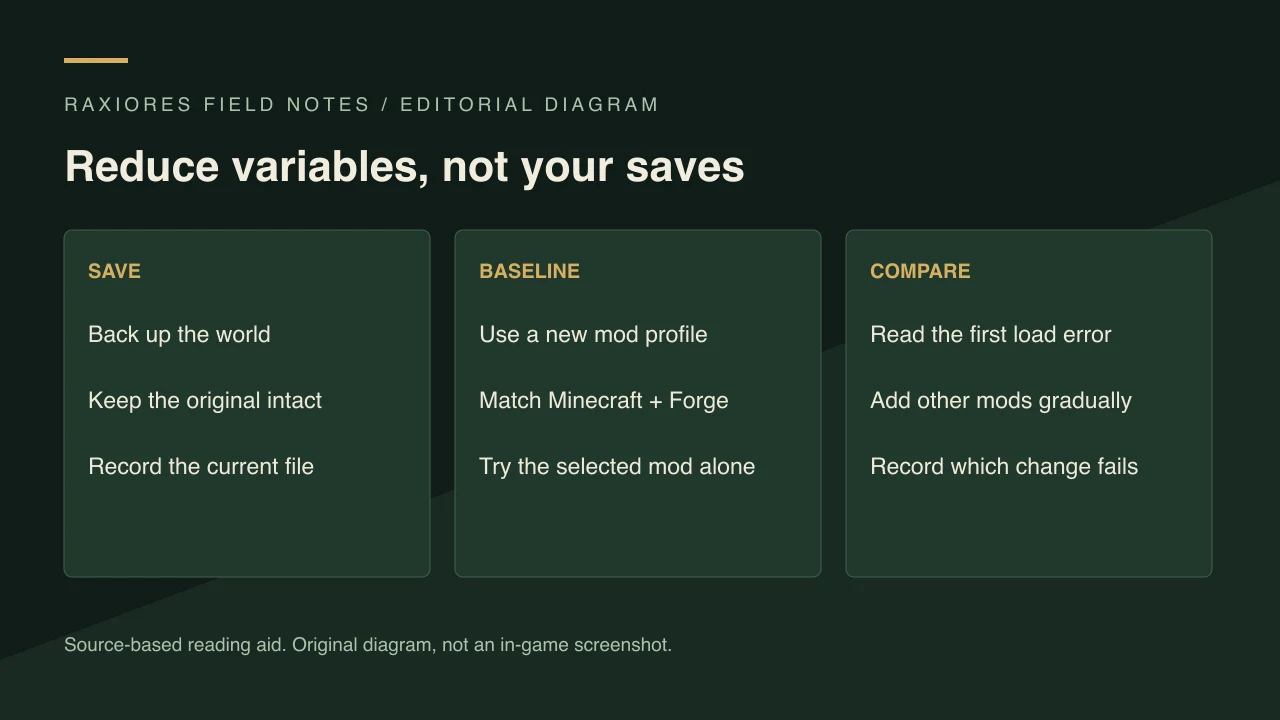
A new profile reduces variables; it does not prove that the mod has no bugs.
If a world opens but something seems wrong
Back up the world before changing the mod list. Reproduce the problem in a disposable world when possible, then compare the result with your original setup. Do not delete world data, regenerate chunks, or remove content mods from your main save as an unverified fix.
Check whether the feature is actually documented for your file. For example, the 0.6 notes mark Triceratops as work in progress. A video for another release or edition is not proof that every interaction should behave identically. The dinosaur index explains what the current release notes do and do not establish.
If the Bedrock port does not work
Return to the port’s own listing and compare its supported Minecraft versions with yours. Follow its current installation and required-setting instructions; do not apply Forge troubleshooting to it. The listing describes the add-on as beta, so do not use Java feature parity as a diagnostic assumption.
We have not verified a universal fix for add-on activation, world settings, multiplayer, or console installation. Changing unrelated experimental settings blindly can make the situation harder to diagnose.
Write a report someone can reproduce
Include:
- Minecraft edition and version, plus Forge version for Java.
- Exact mod or add-on filename and the project URL used to obtain it.
- Other installed mods or packs.
- The relevant log or crash report, with personal information removed before sharing publicly.
- The shortest steps that trigger the problem, and whether it also happens in a new world or clean profile.
- Expected behavior and actual behavior, kept separate.
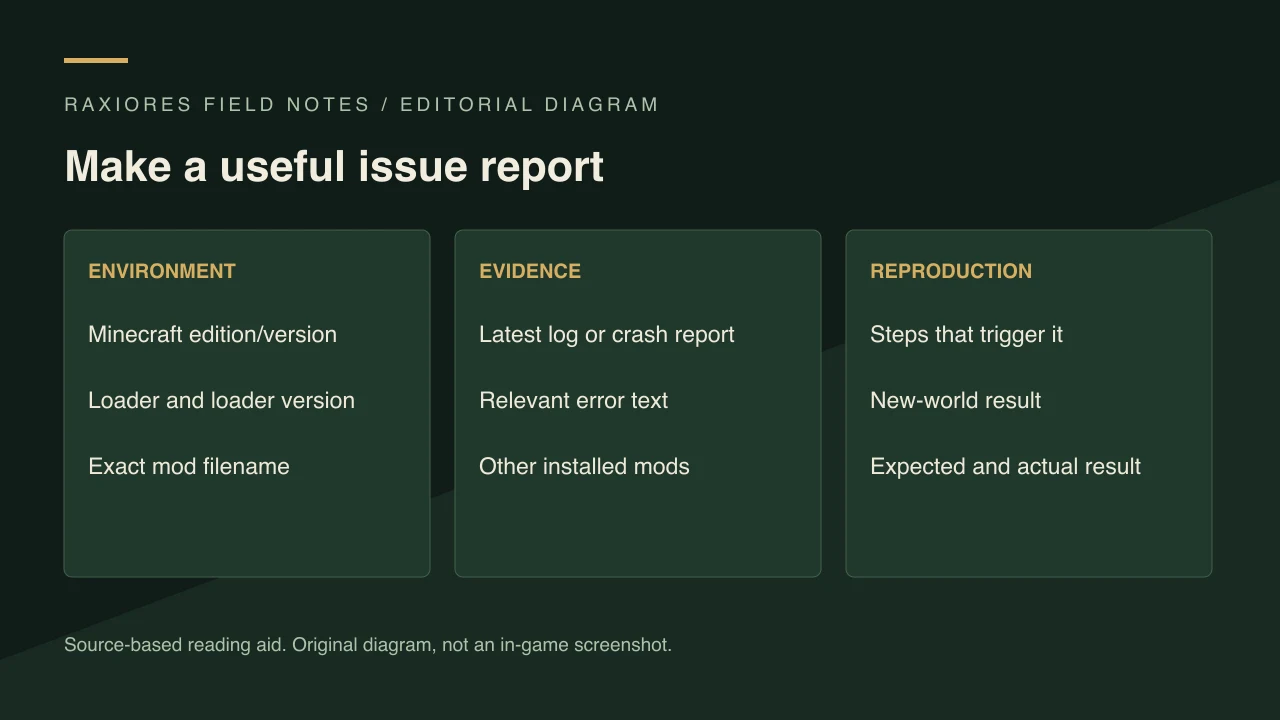
A precise report is more actionable than a screenshot saying only that the game crashed.
Sources and verification scope
Compatibility facts: current Java project, current Java dependencies, and Bedrock port listing. Reviewed November 1, 2026. The diagnosis sequence is general editorial guidance; we have not reproduced or fixed specific in-game bugs.
Related Articles
guides
Raxiores of Raxiore Download & Install Guide (Java 1.20.1)
Find the official Raxiores of Raxiore download, match Minecraft 1.20.1 and Forge, and avoid confusing the Java mod with its Bedrock port.
guides
Raxiores of Raxiore: Java vs Bedrock Download Guide
Compare the current Raxiores Java Forge mod, its separate Bedrock port, and the older project so you choose the right download and instructions.
guides
Raxiores of Raxiore Dinosaur List: Verified 0.6 Names
See the dinosaurs named in the current Java 0.6 changelog, including Triceratops, Alioramus, Amargasaurus, and Giganotosaurus, with source limits.
Was this helpful?
Thanks for the feedback!